Laserable Metals
Laser Engraving Metal: Sheets, Tags and CerMark
Coated and anodized aluminum, brass and stainless steel for nameplates, tags and signs, and what each laser can do with them.
Which laser marks which metal
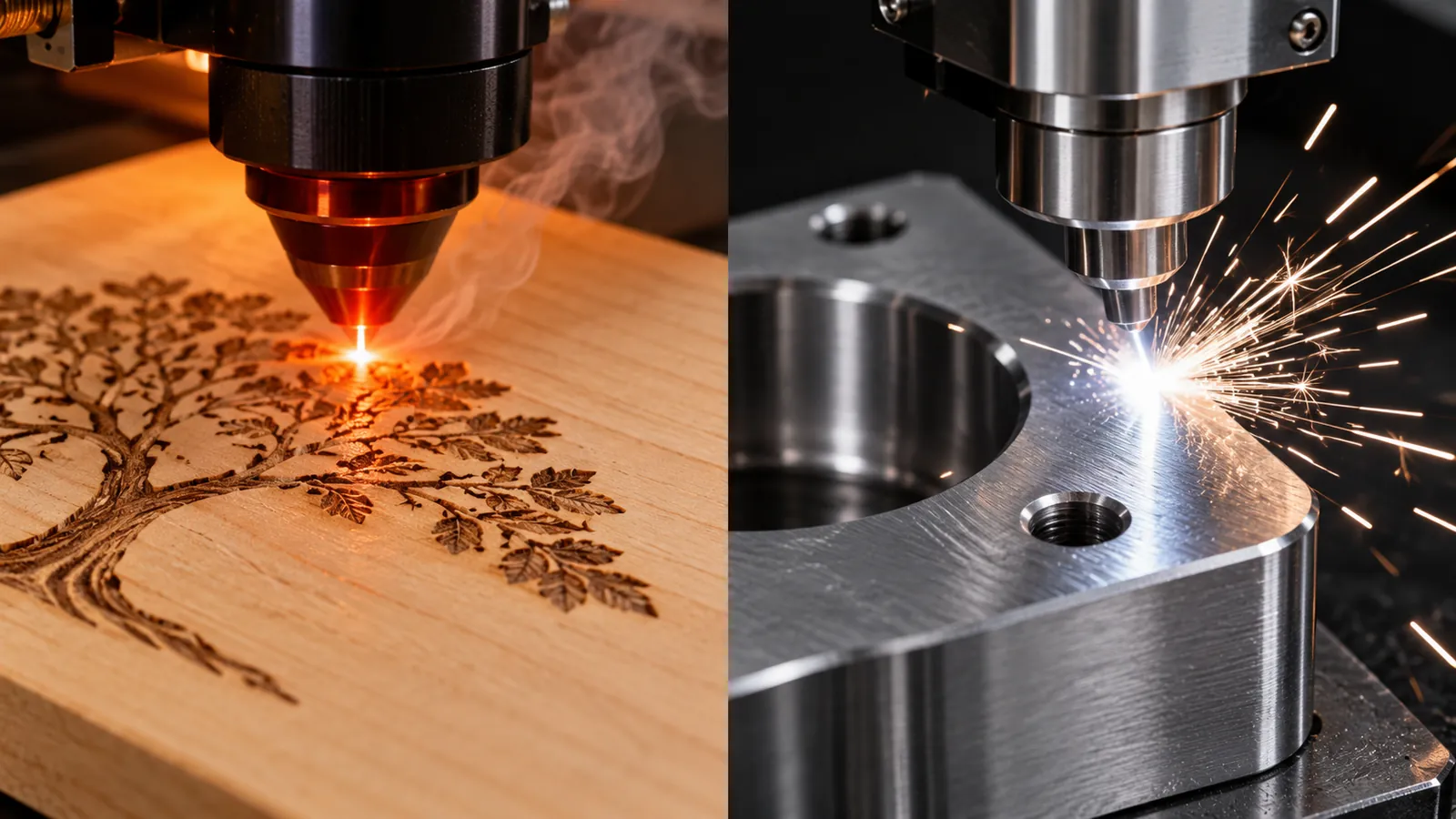
CO₂ laser + coated aluminum
The laser removes the coating and shows the colour underneath (gold, silver, black or white, depending on the sheet).
CO₂ laser + anodized aluminum
The laser bleaches the dyed anodize to white or light grey. It doesn't cut through to bare metal, and no compound is needed.
CO₂ laser + bare metal
Only with a marking compound such as CerMark, run at high power and slow speed so it fuses to the metal.
Fiber laser + bare metal
Marks stainless, steel, brass, titanium and aluminum directly. Annealing marks leave the surface intact, which suits stainless best. Etched or deep-engraved marks remove the passive layer, so parts in harsh conditions may need passivating afterwards.
More materials in the laser-safe materials guide, or ask us about your part.
Typical jobs
Equipment tags
Identification for machinery, panels and assets.
Electrical ID
Panel nameplates, circuit IDs and metal tags.
Outdoor signs
UltraBlack exterior anodized aluminum for outdoor use.
Data plates
Serial number and rating plates.
Military and police
Awards, badges and equipment tags.
Awards
Anodized aluminum plaques and photo plates.
Metal sheets we stock
Standard sheets are typically 12" × 24". Contact us for custom sizes and volume pricing.
Coated aluminum: the laser removes the coating
Gloss Black/Gold Aluminum
.020": lasers to gold
Gloss Black/Silver Aluminum
.020": lasers to silver
Lazer It Gold Aluminum
.020": lasers to black
Lazer It Silver Aluminum
.020": lasers to black
Lazer It Gloss Black Aluminum
.020": lasers to white
Lazer It White Aluminum
.020": lasers to black
Sparkle Black Aluminum
.020": lasers to silver
Anodized aluminum: the laser bleaches the anodize white
Satin Black Anodized
.025": lasers to white/silver
Satin Blue Anodized
.020": lasers to white/silver
Satin Red Anodized
.020": lasers to white/silver
Satin Black Anodized (Heavy)
.040": lasers to white/silver
UltraBlack Exterior Anodized
.020": rated for outdoor use
UltraBlack Exterior Anodized (Heavy)
.040": rated for outdoor use
Brass and stainless steel
Gloss Black Brass
.016": lasers to brass
Satin Unlacquered Stainless Steel
.023", Type 430. Needs a fiber laser, or CerMark on CO₂
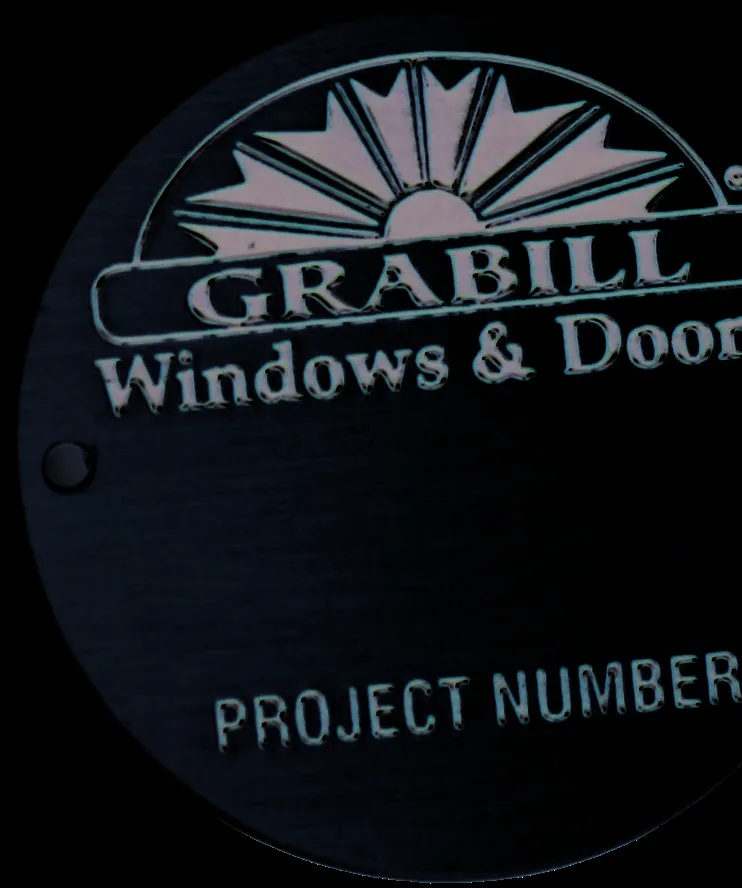
What engraved metal plates look like
Manufacturer sample plates on coated and anodized metal, courtesy of Gemini. The company names on the plates are Gemini's sample customers, not Synergy's.


CerMark: marking bare metal with a CO₂ laser
A CO₂ laser can't mark bare metal on its own. CerMark and TherMark are coatings you apply first. The laser fuses it to the surface, and the rest washes off, leaving a permanent black mark. It works on bare stainless steel, steel and brass. You don't need it for anodized aluminum, which a CO₂ laser marks directly.
- 1 Clean the metal so it is free of oil and fingerprints.
- 2 Apply a thin, even coat and let it dry fully.
- 3 Laser at high power and slow speed so the coating fuses. Test on scrap first; settings depend on wattage.
- 4 Wash off the unlasered coating with water.
CerMark / TherMark LMM-14
Aerosol, black · Bare metal: stainless steel, steel, brass
The spray most shops start with. Spray a thin, even coat on clean bare metal, let it dry, laser it, then wash off what wasn't lasered.
Shop CerMark ↗
CerMark LMM6000
Paste, black · Bare metal
Brush on, or thin it for spraying. Cheaper per mark than aerosol for production runs.
Shop CerMark ↗
CerMark ULTRA
Aerosol, black · Metals, plus glass, ceramic and slate
A spray the maker lists for metal, glass, ceramic, brick and slate. Sold as a higher-contrast option to LMM-14.
Shop CerMark ↗
CerMark LMM-6904
Liquid · Anodized aluminum
Labelled for anodized aluminum. Use it when you want a dark mark on anodized aluminum instead of the white mark a CO₂ laser makes on its own.
Shop CerMark ↗
CerMark LMC-6044
Liquid, black · Glass and ceramics (not metal)
The LMC series is CerMark's glass and ceramic material. Use it for black marks on glass, tile and ceramic mugs, not on metal.
Shop CerMark ↗
CerMark RD 6150
Liquid · Ask for the datasheet
A specialty CerMark formula. Ask us for the datasheet and confirm it suits your material before ordering.
Shop CerMark ↗LaserDark is not for metal
LaserDark is a colouring spray for wood and other porous materials. It won't mark metal. See the wood page for how to use it.
Stainless steel tags
Blank stainless tags for asset tracking, valve tags and electrical ID. Mark them with a fiber laser, or with CerMark on a CO₂ laser.


Compatible machines
Epilog CO₂ laser
Coated and anodized aluminum
Removes coatings and bleaches anodize white. Marks bare metal only with CerMark or TherMark compound.
Epilog fiber laser
Bare and coated metals
Fiber or dual-source Fusion Pro, or the Fusion Galvo G100. Marks stainless, steel, brass, titanium and anodized aluminum directly.
Kern CO₂ laser
Coated and anodized aluminum
Large-format beds for full sheets of coated or anodized aluminum.
Tykma marking systems
Most metals
Fiber and MOPA systems for production part marking and deep engraving.
Need metal tags or custom sizes?
We stock standard sheets and can source custom metal formats for larger runs. Tell us the size, finish and quantity.