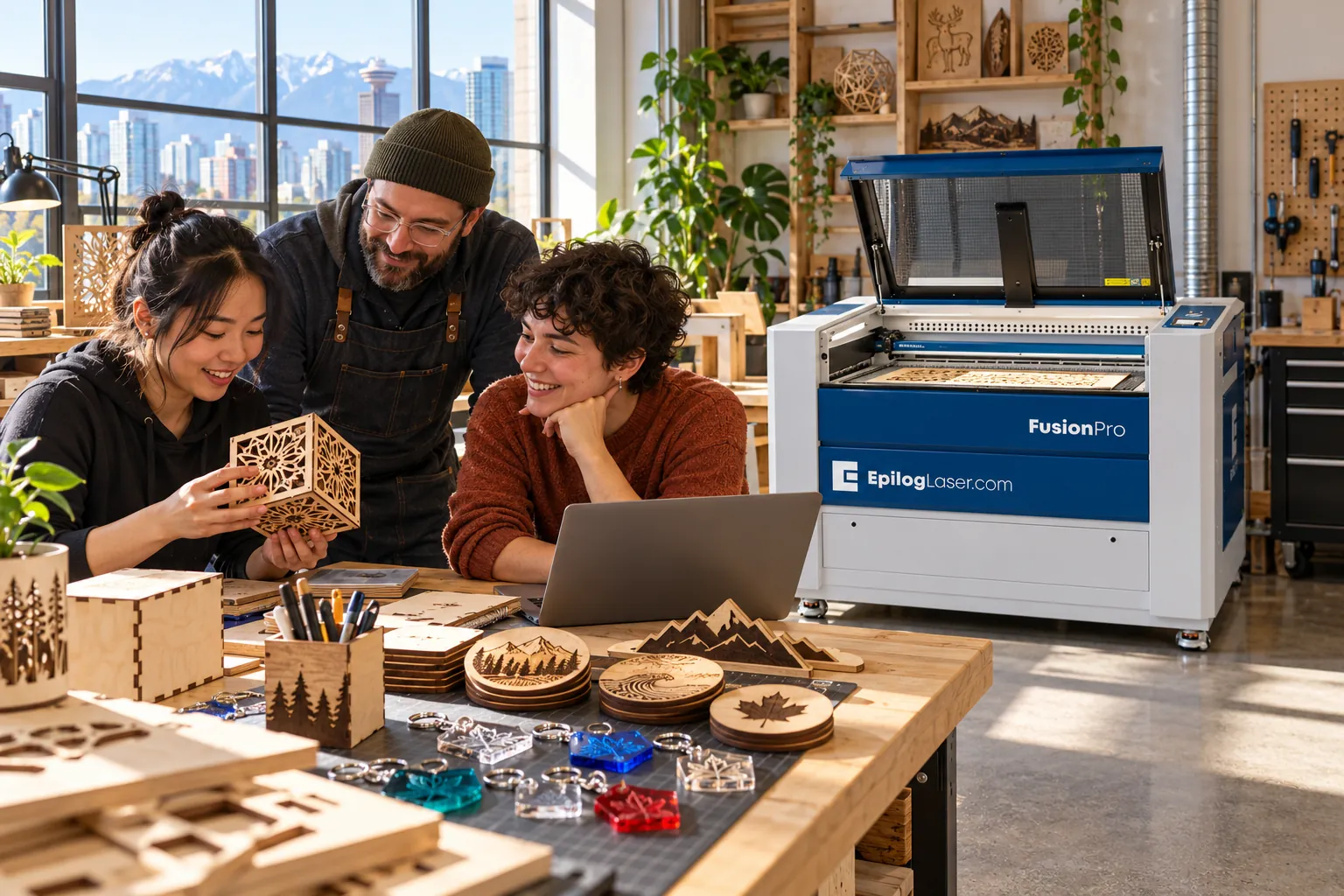
Laser Cutters for Makerspaces and Fab Labs
A shared laser gets used by people with different experience. We help makerspaces pick a machine, set up extraction, and write the rules that keep it running.
Trusted by makerspaces and public libraries across Canada













- Grey Bruce Makers
- MakeLab
- Yukonstruct Makerspace Society
- Maker Space YK
- Emily Carr University of Art + Design
- Innisfil ideaLAB
- Markham Public Library
- St. Thomas Public Library
- Cambridge Public Library
- Vaughan Public Libraries - Pierre Berton Resource Library
- Burlington Public Library
- Aurora Public Library
- Ottawa Public Library - Centrepointe Branch
How makerspaces use a laser
In a makerspace the laser is usually the busiest tool in the room, and the one most likely to be misused. Members bring in whatever they found: a vinyl placemat, a polycarbonate offcut, a leather belt of unknown tanning. Most damage to shared lasers starts there, not with the machine itself.
So the questions we ask first are practical. How many members will use it per week, who signs them off, how big are the sheets people bring in, and where will the fumes go. The answers decide bed size, wattage and extraction more than any spec sheet.
Typical jobs
- Plywood and MDF enclosures, jigs and flat-pack prototypes
- Cast acrylic signs, edge-lit panels and display stands
- Engraved gifts on wood, slate, leather and anodized aluminum
- Living-hinge boxes and cardboard or chipboard mock-ups
- Rubber stamps cut from laser rubber
- Fabric and felt patterns for sewing and costume projects
Materials that work
- Baltic birch plywood (3 to 6 mm)
Cuts cleanly and consistently. Buy laser-grade so the glue lines don't stop the cut.
- Cast acrylic
Engraves frosty white and cuts with a polished edge. Extruded acrylic cuts well but engraves poorly.
- Rowmark two-ply plastic
For name badges, labels and small signs that need crisp contrast.
- Laser rubber
Chlorine-free stamp rubber. Never let members cut craft foam or neoprene.
Not sure about a material? Check the laser-safe materials guide.
Setups we usually recommend
- 1
One shared machine
A Fusion Ascent 24 or 36 with a FiltraBox extractor covers most member work. Pass-through on the Ascent needs the optional Class 4 conversion kit, so decide early if you want it.
- 2
Busy space with a queue
Two smaller machines usually beat one large one. Beginners use one, signed-off members run long jobs on the other.
- 3
Full-sheet cutting
If members cut full 4 × 8 ft sheets for furniture or sets, a Kern flatbed is worth a look. Plan for 230V power, and check the room first.
Post a banned-materials list next to the machine
Never cut or engrave PVC or vinyl (including most faux leather and vinyl-coated fabric), polycarbonate, ABS, HDPE, PTFE, fibreglass, coated carbon fibre, or polystyrene foam. Some release corrosive or toxic gases, and some catch fire.
If a member can't tell you what a material is, it doesn't go in the laser. Never leave a running job unattended, keep air assist on for cutting, and keep a fire extinguisher within reach.
Laser-safe materials guide →Equipment and materials

Fusion Ascent 12, 24 and 36 for shared spaces; Fusion Pro 24, 36 or 48 when you need more speed and a larger bed. Enclosed, Class 2. Electrical requirements vary by model and wattage; confirm the supply and receptacle before ordering.
View Epilog
Canadian-made extractors (Vaudreuil-Dorion, Quebec) that filter laser fumes when you can't vent outdoors. Size the unit to the machine and to what members actually cut.
View FiltraBox
Two-ply sheet for badges, labels and signs. Keeping a few common colours in stock saves members from bringing in unknown plastics.
View RowmarkQuestions we get asked
What size laser should a makerspace buy?
Start from the sheets members actually bring in. Most project work fits a 24 × 12 in or 36 × 24 in bed. If people regularly cut full sheets of plywood, look at a larger bed or a separate large-format machine.
Do we need to vent the laser outside?
You need fume extraction either way. Venting outdoors works where the building allows it. Where it doesn't, a filtered extractor such as a FiltraBox captures the fumes in the room. Check your building's rules before you choose.
What materials should we ban?
PVC and vinyl, polycarbonate, ABS, HDPE, PTFE, fibreglass, coated carbon fibre and polystyrene foam, plus anything nobody can identify. Our laser-safe materials guide lists the reasons and the safe alternatives.
How do we train members?
Most spaces use a short sign-off: material rules, focusing, fire response, and one supervised job. Synergy provides training and setup support when the machine arrives, so your stewards can run the sign-offs after that.
Planning a laser for your makerspace?
Tell us how many members will use it, what they cut, and where the fumes can go. We'll suggest a machine and extraction setup that fits.