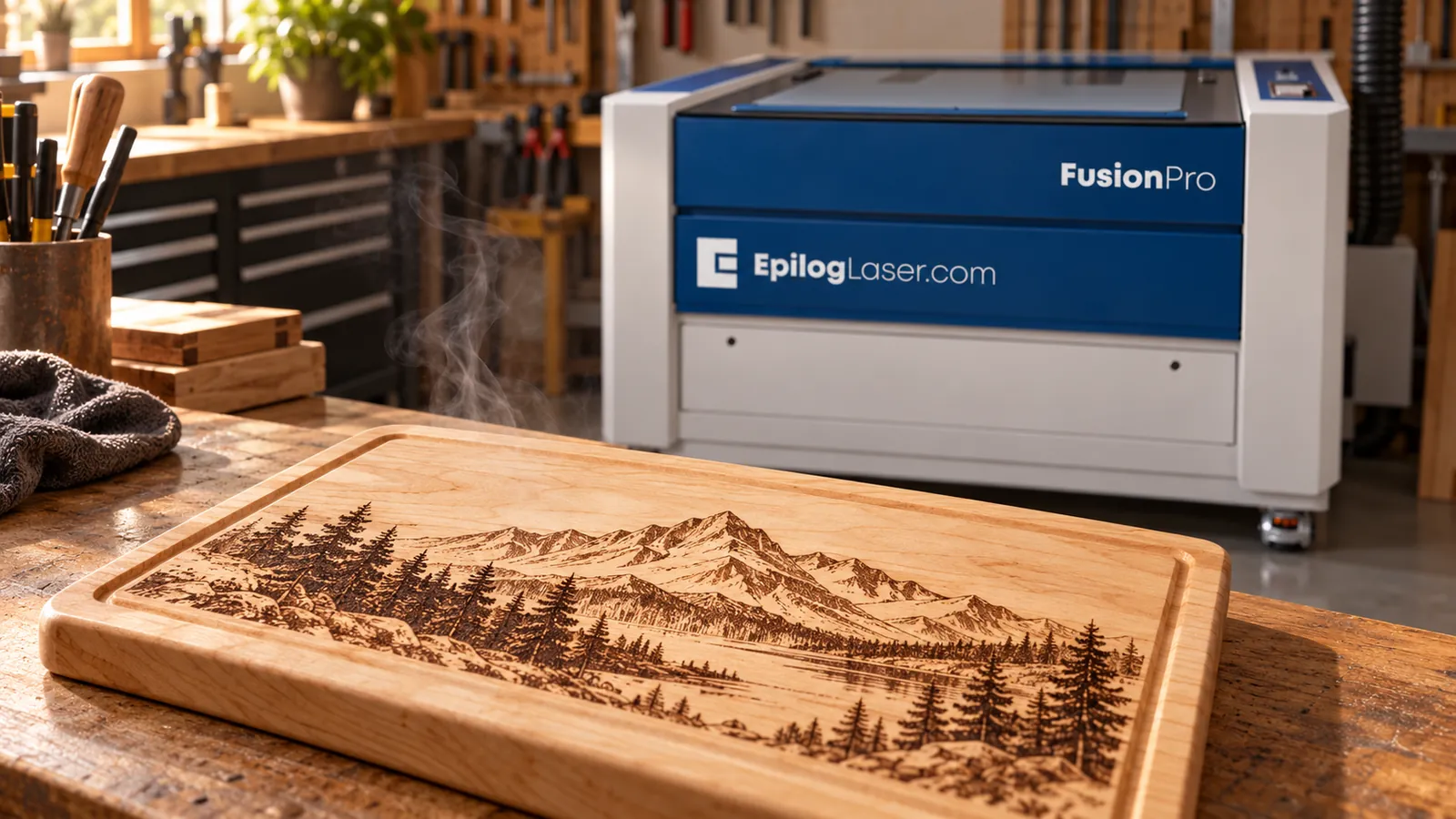
Laser Engraving and Cutting Wood: A Practical Guide
Wood gives a CO₂ laser plenty to work with: engraved lettering, photos, cut shapes and inlays. But the species and the construction of a sheet affect the result. A setting that suits solid maple needs testing before you use it on plywood. This guide follows Epilog’s official wood guidance, from choosing material to cleaning up the finished piece.
Choosing solid wood
Maple, cherry and alder. Epilog recommends these fine-grained, low-resin woods for consistent engraving.
Walnut. Epilog includes walnut in its engraved and cut samples. Test it separately.
Oak. Its more pronounced grain can leave an engraved area uneven in depth. If your design includes a large filled background, test that part of the artwork before committing the blank.
Pine and cedar. Epilog notes that these resin-rich woods can burn inconsistently and produce more smoke.
Our wood materials page is a starting point for exploring materials. Judge your test against the actual artwork you plan to produce.
Plywood, MDF and other sheet goods
Plywood needs its own test. Epilog’s samples include birch and bamboo plywood. Its FAQ warns that plywood’s glue layers can make cutting inconsistent. The wood name alone doesn’t tell you how the whole panel will behave.
Ask the sheet manufacturer whether the exact panel is suitable for laser processing, including its adhesive and any surface coating. Once compatibility is confirmed, test both engraving and a complete cut on a scrap of that sheet. Check the underside before accepting the cut.
MDF is different from plywood. It uses bonded wood fibres rather than stacked veneers. Epilog’s Fusion M2 manual reports better engraving and cutting results with MDF than plywood, while noting that cut edges char and may need sanding. Test the exact board you intend to use.
Epilog also lists wood veneer among its applications. Check the manufacturer’s material information before processing it.
Masking and resin residue
Resin can rise to the surface during laser work, mix with smoke and settle back onto the wood. That residue is part of the clean-up job.
Epilog recommends masking or transfer tape to reduce deposits around cut lines. It also recommends masking for hardwood engraving. Confirm that the masking product is suitable for laser use, then include it in your scrap test.
For engraving, try Epilog’s Bottom-Top direction setting where available. Working from the bottom of the design upward helps reduce smoke and debris being drawn across areas already engraved.
Air assist and focus
Use air assist whenever you vector cut. Epilog explains that the air stream moves heat and combustible gases away from the cut and reduces flare-ups. It helps with scorching, but you still need to watch the job.
Use the cutting table recommended for your machine. Epilog’s vector grid lifts wood off the solid bed, reducing burning on the underside and allowing smoke to escape.
Check focus before the test. The lens needs the correct working distance to form a small, precise spot. Follow your model’s focusing procedure and re-check when changing material thickness or the table setup. Use the guidance for the lens installed in your machine; different focal lengths have different working distances.
Finding settings that suit your machine
Start with Epilog’s recommended wood settings for your model and wattage. Treat them as a starting point for testing, as Epilog advises.
On a confirmed laser-compatible scrap, try the actual lettering or image and a small cut shape. Compare engraving depth, detail and whether the cut goes through. Record the material, thickness and settings with the sample so you have something useful to return to.
Cleaning and finishing
Match clean-up to the surface. For compatible polyurethane- or lacquer-coated wood, Epilog’s Fusion Pro 32/48 EU manual describes removing residue with water and a damp chamois or web-covered sponge. Bare wood may need sanding to remove smoke and resin stains. The manual cautions against rubbing paper towels into engraved recesses because fibres can remain behind.
Before engraving a prefinished blank, confirm the coating’s suitability with its manufacturer. A finish that is easy to clean still needs a material safety check.
If you’re applying polyurethane after engraving, clean away the residue and let the piece dry first, as Epilog’s finishing instructions describe. Choose a finish intended for your item’s use and follow its manufacturer’s directions. Test the complete process on a sample before finishing the job.
Fire and fume safety
Wood is combustible. Epilog’s fire guidance applies to every run:
- Stay with the machine. Never leave a running laser unattended.
- Run extraction. Wood processing produces smoke, particles and resin fumes. Use an exhaust system vented outdoors or suitable filtration.
- Clear out debris. Remove scraps and residue from the cutting grid and underneath it.
- Keep a maintained fire extinguisher nearby and keep combustible clutter and volatile solvents away from the machine.
- Identify the whole material. Obtain the manufacturer’s Safety Data Sheet when composition is uncertain, including adhesives and coatings. Don’t process an unidentified sheet.
Our laser-safe materials guide is a useful reference before trying a new substrate.
Talk through your wood project
Synergy is Canada’s exclusive Epilog dealer, with showrooms in Delta, BC and Mississauga, ON, by appointment. Contact us to discuss your material and application, or explore our Epilog laser systems.
Questions About a Laser?
Call or send us your application. Demos are available at our Delta and Mississauga showrooms by appointment, or live online: send us your files and we'll run your parts on a real laser while you watch over video call.