Laser Cutting and Engraving Acrylic: A Practical Guide
Acrylic is a useful material for signs, retail displays and awards. A CO₂ laser can cut the outlines and engrave the graphics, but the sheet you choose changes the result. Cast and extruded acrylic react differently to the laser. Start with the finish you want, then choose the material and settings to suit it.
Cast or extruded acrylic?
Cast acrylic is made by pouring liquid acrylic into moulds. It engraves to a frosty white finish, which makes it a good choice for engraved awards, logos and display graphics. It can also be laser cut, but Epilog recommends extruded acrylic when the priority is a flame-polished edge.
Extruded acrylic is formed into sheets through a higher-volume manufacturing process. It cuts smoothly and can leave a clear, polished edge straight from the laser. Engraving stays clear rather than turning frosty white, so it won’t give you the same engraved appearance as cast.
| What the job needs | Material to start with |
|---|---|
| Frosted text or graphics on an award | Cast acrylic |
| Cut letters or shapes with polished edges | Extruded acrylic |
| Both engraving and cutting | Test the engraving and edge finish on the same sheet |
Ask your sheet supplier which type you’re buying. Don’t assume that two clear sheets will engrave alike.
What a flame-polished edge means
The polished appearance comes from the laser melting the edge as it cuts. Suitable extruded acrylic and the right settings can produce that finish without a separate sanding or torch-polishing step.
Epilog recommends relatively slow speed and high power for acrylic cutting. That is different from engraving, where its guidance favours high speed and low power. Too much engraving power can distort the acrylic.
The underside matters too. Epilog recommends elevating extruded acrylic above the cutting table to reduce reflections and grid marks. Follow your machine’s instructions for supporting the sheet, and inspect both faces of a sample before running the full job.
When to leave masking on
For cutting, Epilog generally recommends leaving the protective paper masking on both sides. It helps protect the faces from residue and scratches.
For engraving, remove the masking from the surface being engraved. Leaving paper over that surface can leave adhesive residue in the design.
For a clear sign or award, engraving the back lets you view the design through the front. Remove the back masking, leave the front cover on while handling the piece, and mirror the artwork before sending it to the laser. Check the text orientation before you run the finished blank.
How thick can an Epilog cut?
Epilog publishes the following acrylic cutting guidance by CO₂ wattage. These are recommended figures, with results dependent on the material and laser setup. The metric dimensions reproduce Epilog’s approximate published values.
| CO₂ wattage | Epilog’s published acrylic thickness guidance |
|---|---|
| 30–40 W | 1/8″ (approximately 3.1 mm) |
| 50–60 W | 1/4″ (approximately 6.3 mm) |
| 80–100 W | 3/8″ (approximately 9.5 mm), one pass |
| 120 W | 1/2″ (12.7 mm), one pass |
| 200 W | 3/4″ (approximately 19 mm), one pass |
Epilog also lists cuts up to 1″ (25.4 mm) in two passes for its 80–100 W, 120 W and 200 W systems. Treat those figures as application guidance, not a guaranteed production limit for every sheet or machine.
For regular thick cutting, test your actual material before choosing a wattage. Look for the edge finish you need as well as a complete cut. Our Epilog page covers the laser systems.
Signs, displays and awards
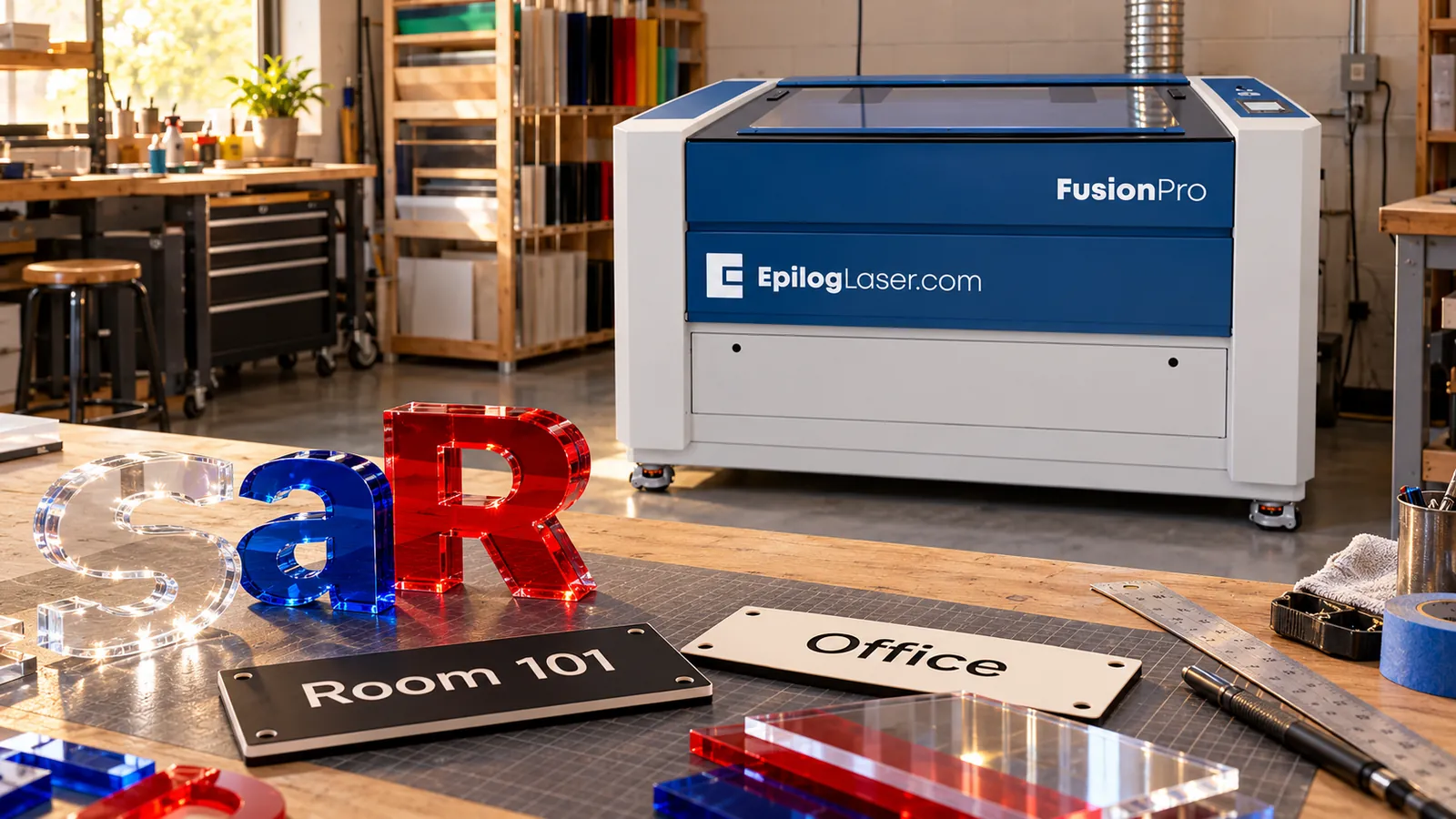
Dimensional signs. Cut acrylic letters and numbers, or combine acrylic with a wood backing and standoffs. Epilog demonstrates these approaches in its room-number signage projects.
Retail displays. Point-of-purchase displays are another acrylic application Epilog identifies. Decide whether the design needs polished cut outlines, frosted graphics or both before selecting the sheet.
Awards. Cast acrylic suits the frosted engraving used for names and logos. Back engraving gives the look-through effect described above.
Identification signs. For door signs and equipment labels, consider purpose-made engraving sheet too. Rowmark lists LaserMax, a microsurfaced impact acrylic, for signage, personal identification and equipment tags. Synergy is an authorized Rowmark dealer; see our Rowmark page for the range.
Test before running a full sheet
Start with Epilog’s material settings for your model and wattage. Cut a small shape from scrap and try a sample of the engraving. Adjust speed and power, then judge the cut edge and engraved surface together before committing the full sheet.
Use air assist and stay with the machine while cutting acrylic, as Epilog instructs.
Choosing an acrylic setup
Synergy is Canada’s exclusive Epilog dealer, with showrooms in Delta, BC and Mississauga, ON by appointment. Contact us with the acrylic type, thickness and finished part size you have in mind.
Questions About a Laser?
Call or send us your application. Demos are available at our Delta and Mississauga showrooms by appointment, or live online: send us your files and we'll run your parts on a real laser while you watch over video call.