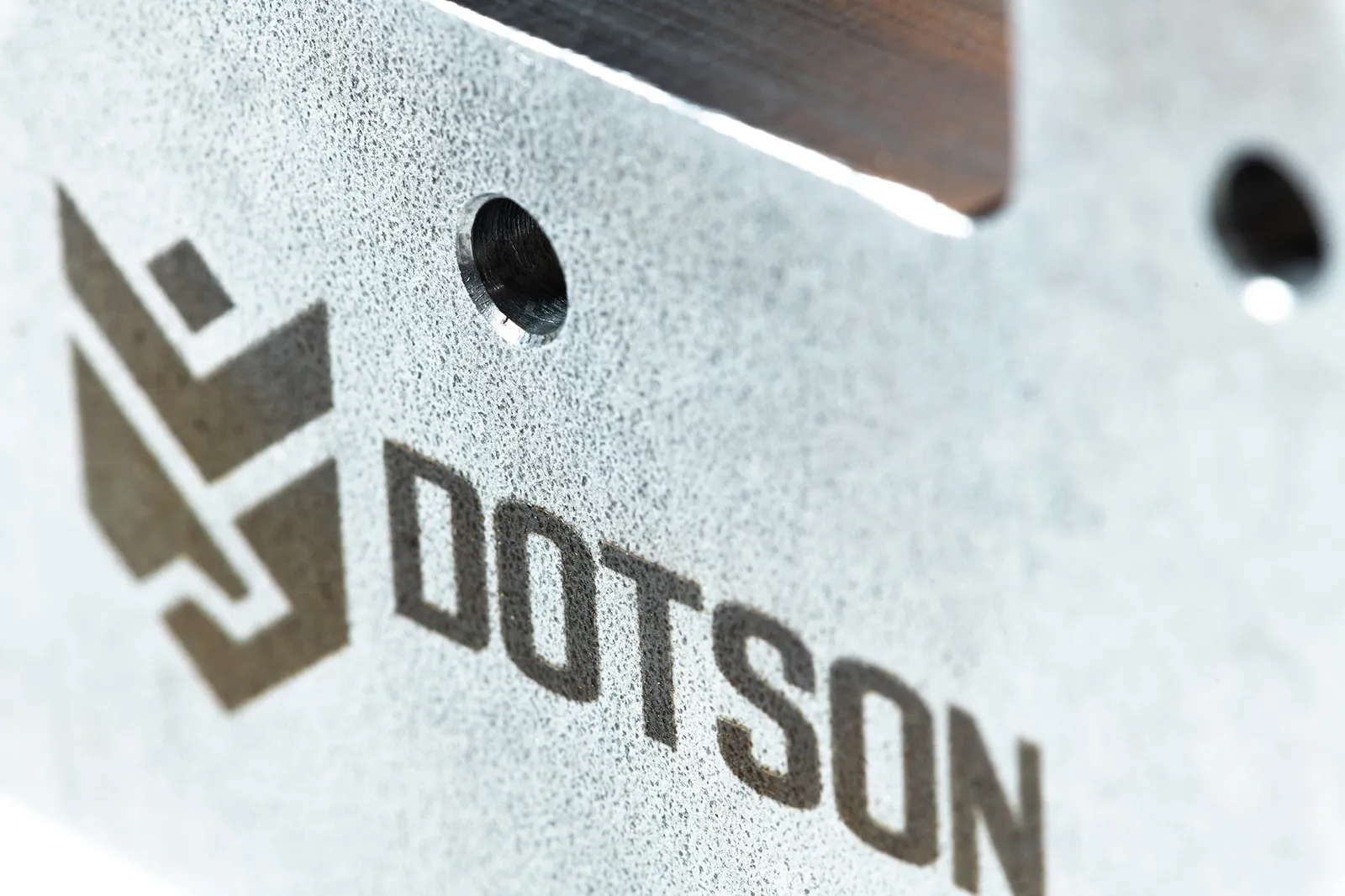
Fibre Laser Marking for Metal Parts: Flatbed vs Galvo
A serial number on a steel tool, a barcode on a component and a black mark on stainless steel can all be fibre laser jobs. The next decision is how the machine delivers the beam: across a large bed, or through a galvo marking head. That choice matters when you compare the Epilog Fusion Pro dual-source, Fusion Galvo G100 and Tykma systems.
The short answer
- Consider a Fusion Pro dual-source when you need a large bed for parts or batches, plus CO₂ for work such as wood and acrylic.
- Consider a Fusion Galvo G100 when fast marking within a compact field is the priority.
- Look at Tykma when you need a dedicated marking workstation, automated serial numbers or a larger galvo field. Compare the actual model and configuration.
Fibre and galvo describe different things
Fibre describes the laser source. It can mark bare metals directly. Galvo describes the beam delivery system: rotating mirrors steer the beam within a marking field. A galvo can use a fibre source; Epilog’s Fusion Galvo and Tykma’s MOPA fibre marking systems combine these technologies.
The Fusion Pro uses a bed-style, flying-optic arrangement, moving the laser head across the work area. Its dual-source configuration combines CO₂ and fibre in one machine. Use fibre for bare metal marking and CO₂ for suitable non-metals.
Both approaches belong in a metal marking comparison. For more on the source itself, see CO₂ vs fibre laser.
Speed: compare the complete job
Epilog describes galvo marking as faster than flatbed fibre marking, particularly for small, detailed work. Steering mirrors lets the beam move quickly between features within the field.
The Fusion Pro’s published maximum engraving speed is 165 IPS (approximately 4.2 m/s). Treat that as a machine specification; it does not tell you how many finished tools you will mark in an hour.
For a useful comparison, time your actual job from loading through unloading. Include positioning, focus, marking and any inspection. Ask for the required finish on the actual material. Epilog identifies speed, power, frequency and focus as variables that change the finished mark.
Field size and part height
A bed or marking field tells you where the laser can mark. Also check the space available for the whole part.
| Fusion Pro dual-source | Fusion Galvo G100 | Tykma Minilase XL Manual | |
|---|---|---|---|
| Marking area | Pro 24: 24″ × 24″; Pro 36: 36″ × 24″; Pro 48: 48″ × 36″ | F163 lens: 4″ × 4″ (101.6 × 101.6 mm); F254: 6″ × 6″ (152.4 × 152.4 mm) | Standard 163L lens: 100 × 100 mm; optional 254L: 165 × 165 mm |
| Published height limit | Confirm usable fibre marking height for the selected Pro model, lens and table | Maximum material thickness: F163, 10″ (254 mm); F254, 6″ (152 mm) | Maximum part height: standard 163L, 317 mm; optional 254L, 209 mm |
The galvo figures show why field size and height need checking together: the larger field comes with less part height on these lens configurations. Include your fixture and rotary when checking fit.
The Pro’s large bed also lets you lay out multiple smaller parts. For a large galvo field, Tykma’s Zetalase XLT offers a continuous 24″ × 24″ (610 × 610 mm) marking area without tiling or stitching. Compare the field of the specific system you are considering.
Rotary marking on round parts
If the mark needs to wrap around a cylindrical part, compare the rotary setup as part of the purchase.
- Fusion Pro: Epilog lists rim-style and 3-jaw chuck rotary attachments.
- Fusion Galvo G100: an optional 3-jaw chuck rotary supports marking around cylindrical surfaces. Epilog’s setup instructions require the latest firmware before first use.
- Tykma: rotary accessories are available for Minilase and Zetalase systems; its mini rotary demonstration includes marking inner and outer diameters.
Check the grip, part diameter, marking position and available clearance with your own component.
Match the mark to the job
Serial numbers, part numbers and logos. Fibre etching can remove material to create a shallow engraved mark on tools and parts. Tykma’s Minilase Pro software also supports automated serialisation and date coding. Ask to see how the next part gets its next number.
Barcodes, Data Matrix and UDI. These are established laser marking applications. For medical UDI work, Tykma identifies material, marking location and required mark size as selection factors. Bring the actual code data and acceptance requirements to the comparison, and include a readability check in the trial.
Black annealing on stainless steel. Annealing uses heat to create a dark surface mark without removing material. It gives a different result from engraving a recess. Ask to see both finishes on your stainless steel grade; for medical components, include any passivation and cleaning requirements in the application review.
A simple way to choose
- Need CO₂ work alongside metal marking? Start with the Fusion Pro dual-source.
- Mostly small marks within a 4″ or 6″ field? Compare the Fusion Galvo G100 on your parts.
- Need automated numbering, a larger marking field or a particular workstation layout? Compare Tykma configurations.
- Tall or round parts? Resolve lens, fixture and rotary clearance before choosing the machine.
Synergy Products is Canada’s exclusive Epilog dealer. Our showrooms in Delta, BC and Mississauga, ON are available by appointment. Contact us with your material, part dimensions, required mark and production volume, or start with the Product Finder.
Questions About a Laser?
Call or send us your application. Demos are available at our Delta and Mississauga showrooms by appointment, or live online: send us your files and we'll run your parts on a real laser while you watch over video call.